


Website Redesign and Migration Guide: How to Protect Your Rankings in the AI Era: Redesigning your website is an exciting milestone, but it also carries hidden business risks. Making changes to your page addresses, design structure, or hosting can mean losing years of hard-earned search rankings overnight. Even worse, AI tools can drop your company entirely. At VeeFx.com, we provide structured migration frameworks that protect your traffic, preserve your customer inquiries, and keep your business visible in the AI era.
Key Takeaways
- Set Digital Forwarding Addresses: Mapping every old webpage to its exact new equivalent using permanent redirects prevents broken links and protects existing search rankings.
- Audit Before You Rebuild: Taking a complete inventory of your top-performing pages and visitor data ensures valuable content is never deleted.
- Preserve Digital Fact Labels: Transferring structured business details and review ratings ensures AI tools continue recognizing your business as an established authority.
- Lock Your Test Site: Keeping your development website hidden from search engines prevents duplicate content penalties before your official launch date.
- Monitor Daily After Launch: Tracking Search Console alerts and broken page links during the first month catches small issues before they damage customer inquiries.
 Related article
Website Design Principles in the AI Era: Building for People and Search Tools
Online search is shifting from blue links to AI-generated answers. VeeFx.com creates attractive, user-friendly websites structured for AI search, helping businesses improve visibility, reach customers, and grow online…
Website Redesign and Migration Guide: Why Website Redesigns Risk AI Invisibility

1. The Real Danger of the Blank Slate Trap
When business owners decide to redesign their webpage(s), they often want a fresh start. They bring in a creative designer who changes navigation menus, shortens articles, and creates entirely new web addresses. While the new site may look modern and appealing, wiping away your historical structure without a migration plan can actually devastate the business.
Search engines and AI assistants spend years learning what your business does. They catalog your service pages, review scores, customer questions, and educational guides. If you launch a new website that suddenly removes those pages or scrambles their web addresses, search bots arrive at dead ends. Within weeks, organic traffic can collapse by 50% or more. Conversational AI tools like ChatGPT and Google AI Overviews will stop recommending your company because your historical authority was erased.
2. The Baseline Inventory: What You Must Save
Before touching a single line of code or approving a new design concept, you must catalog what is currently working on your website. Identify the top ten most visited pages, articles that generate the most phone calls, and external websites linking to you.
Preserving this core content is crucial. If an existing page answers common customer questions and ranks well locally, its core text, heading structure, and business facts must be carried over to the new design. Redesigns should modernize your visual presentation and improve mobile loading speeds, not throw away what built your business.
|
Audit Category |
What to Inspect |
Why It Protects Your Revenue |
Action Required |
|---|---|---|---|
| High-Traffic Pages | Pages bringing in the most visitors. | Prevents accidental deletion of profitable content. | Catalog top 20 URLs for exact content migration. |
| External Backlinks | Outside sites linking to your pages. | Preserves domain authority built over years. | Identify linked pages and assign 1:1 forwarding. |
| Form & Phone Tracking | Contact forms and call-tracking tags. | Ensures lead capture continues working seamlessly. | Test every conversion form on staging before launch. |
| Core Keyword & AI Topics | Search queries driving calls. | Retains authority in local search and AI boxes. | Ensure new pages keep direct answers and headings. |
 Related article
The Strategic Value of Brand Building for Small Businesses in the AI Era
AI assistants increasingly recommend trusted businesses instead of displaying endless links. VeeFx.com helps small businesses build credible brand identities and authority that earn recognition from search engines and customers…
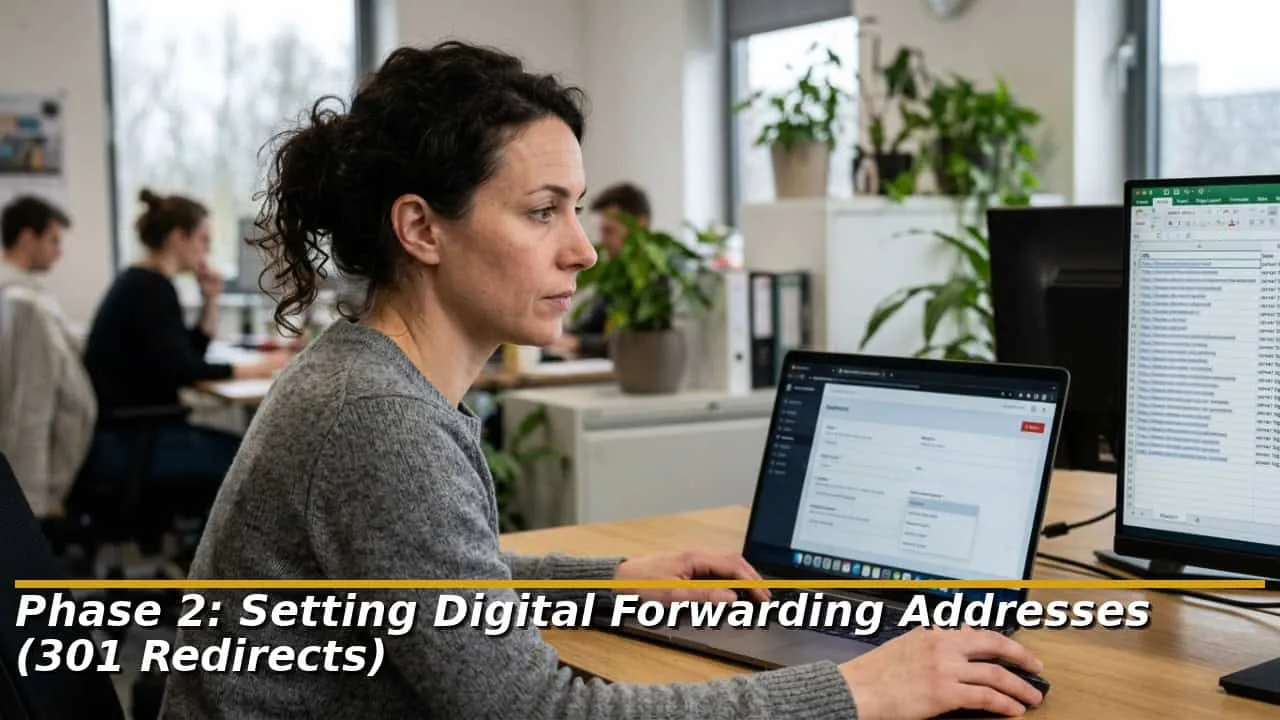
Phase 2: Setting Digital Forwarding Addresses (301 Redirects)
A. Why Direct Forwarding Is Non-Negotiable
Whenever you change a webpage address during a redesign, installing a permanent digital forwarding address, known technically as a 301 redirect is a must. Think of this like filing a change-of-address form with the postal service when moving your physical office. When someone visits your old web address or a search engine crawler inspects it, the redirect automatically sends them to the new page instantly.
Without permanent redirects, visitors see a frustrating “Page Not Found” error. Search engines assume the page was permanently deleted. Gradually, they remove the deleted page from their index, destroying your rankings and cutting off incoming customer calls.
B. The Danger of the Homepage Shortcut
A common mistake made by inexperienced agencies is redirecting all retired pages to the homepage. This shortcut creates a poor customer experience and confuses search engines. If a homeowner clicks a link searching for emergency furnace repair and lands on a generic company homepage, they exit immediately.
Search engines treat blanket homepage redirects as broken pages, stripping away their ranking power. Every retired page must be forwarded to a relevant, matching page on the new website. If you discontinue a specific service page, redirect it to the closest related category page rather than dumping visitors on the front page.
|
Redirection Practice |
Common Wrong Way |
Recommended Best Practice |
Business & Search Outcome |
|---|---|---|---|
| Destination Relevance | Pointing all old blog posts to the homepage. | Mapping old articles to matching new guides. | Preserves search relevance and keeps visitors engaged. |
| URL Chain Avoidance | Chaining multiple redirects together. | Pointing old addresses directly to final new URLs. | Speeds up page loading and prevents crawler timeouts. |
| Forwarding Status | Using temporary 302 redirect settings. | Setting permanent 301 redirect status codes. | Passes historical search trust to new pages permanently. |
| Tracking Broken Links | Ignoring 404 page errors after launch. | Reviewing server error logs weekly for 30 days. | Quickly fixes missing pages before rankings drop. |
 Related article
Practical AI Search Engine Marketing Guide for Startups: Low-Cost Tactics for Fast Visibility
Conversational AI creates new opportunities for startups to compete with established brands. VeeFx.com helps bootstrapped businesses attract high-intent customers through clear content, local proof, and affordable AI search strategies…
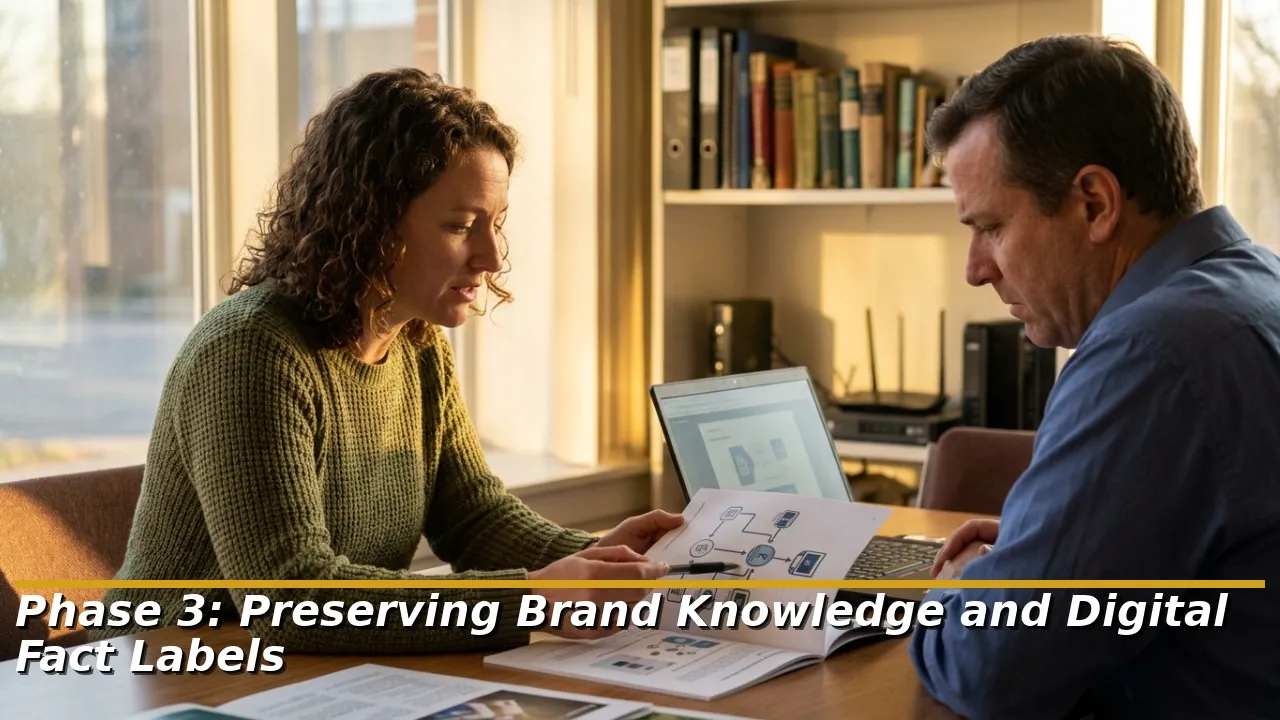
Phase 3: Preserving Brand Knowledge and Digital Fact Labels
A. Keeping AI Informed About Your Business
In the AI search era, your website is not only a digital brochure but a database of facts that AI assistants consult. As explained in our guide to website design principles, search engines rely on structured digital fact labels embedded in your website code.
When rebuilding your website, ensure that all structured business data transfers smoothly. This includes your official legal name, physical office address, phone number, operating hours, service menus, and verified customer review stars. If a new website drops these labels, AI assistants can struggle to verify your legitimacy, causing them to omit your business from local recommendations.
B. Retaining Trust and Customer Reviews
Customer testimonials and case studies represent the social proof driving new business inquiries. During a redesign, never bury customer reviews or replace genuine project stories with generic marketing slogans.
Make sure your case studies, customer quotes, and industry certification badges are prominently displayed on your new service pages. Preserving these trust elements reassures human visitors landing on your new site while providing the factual evidence that search algorithms look for when judging company reliability.
 Related article
Content Strategy in the AI Era: Winning Answers and Citations
Search is shifting from traditional links to AI-generated answers. VeeFx.com helps businesses create helpful, trustworthy, authoritative content that AI tools can understand, cite, and recommend to potential customers…
Phase 4: Staging Testing and Live Launch Protocol

A. Protecting the Practice Website
Before your new website goes live, developers construct a private practice area called a staging environment. This allows your team to test buttons, review text, and approve designs without disrupting your existing live website.
However, you must keep this practice site hidden from search engines. If an agency forgets to lock the staging site with password protection, Google can index both sites at once. Search engines will flag your pages as duplicate content, which can cause severe ranking drops for your live business website before the new design is even launched.
B. The First 30 Days After Launch
Deploying this is not the finish line. It is the start of an important observation window. Search engines require two to four weeks to crawl your new pages, process forwarding addresses, and update their directories.
During the first 30 days, the marketing team must monitor Search Console dashboards daily. Look for broken links, track page loading speeds, and verify that contact forms are delivering messages properly to your inbox. Catching and resolving minor technical glitches during this initial window ensures your rankings recover quickly and begin growing.
|
Verification Check |
Testing Frequency |
Tool or Method |
Desired Result |
|---|---|---|---|
| Contact Form Testing | Day 1, Day 7, Day 30 | Submit a test inquiry and call. | Confirms leads reach sales staff with zero friction. |
| Broken Link Inspection | Daily for 2 weeks | Search Console Coverage Report. | Zero unexpected 404 page errors on critical URLs. |
| Mobile Speed Audit | Launch day and Day 14 | Google PageSpeed Insights. | Green score (90+) with mobile load under 2.5 seconds. |
| Search Indexing Verification | Weekly for the first month | XML Sitemap check in Console. | Confirms all new pages are actively indexed by Google. |
Conclusion
A website redesign should expand your business, not damage revenue. By cataloging valuable content, installing exact digital forwarding addresses, and preserving essential business labels, you can safely upgrade your digital storefront. At VeeFx.com, our technical team specializes in low-risk website redesigns that protect your search rankings and elevate your brand authority. Contact us today to plan a seamless, stress-free website upgrade.
 Related article
How to Choose the Right Digital Marketing Agency in the AI Era
AI search tools are transforming how customers find businesses. VeeFx.com helps owners choose marketing partners who understand AI search optimization, modern strategies, and measurable business growth beyond rankings and ads…
FAQs About Website Redesign and Migration Guide: How to Protect Your Rankings in the AI Era
1. How much search traffic is normal to lose temporarily after a major website redesign?
A temporary dip of 5% to 10% in organic traffic is normal for two to three weeks while search engines process your new code and redirect maps. If traffic drops by 20% or more and fails to recover within a month, you likely have broken redirects, missing pages, or speed problems that require immediate technical repair.
2. Can we change our domain name at the same time we redesign our website?
While changing a web address is possible, doing so at the same time as a complete visual redesign doubles your SEO risk. If rebranding, it is safer to migrate your existing website to the new domain first, let rankings stabilize for two months, and then introduce the new visual design.
3. What happens if we accidentally delete an old page that had valuable customer backlinks?
If a high-value page is deleted without a redirect, all the authority built by outside links pointing to that address is lost. You should immediately set up a permanent 301 redirect from that deleted address to the most relevant active page on your new website to reclaim that lost search equity.
4. How do we ensure our local Google map rankings stay intact during a website rebuild?
Keep your business name, address, and phone number on the new website identical to a Google Business Profile. Ensure the primary landing page linked on your Google profile remains live or properly redirected, and keep your local schema labels active in your new website code.
5. How does a custom-built website lower migration risks compared to pre-made templates?
Custom websites give developers complete control over page code, URL structures, and speed optimization. Pre-made templates often make rigid URL structures and bundle bloated scripts that slow down pages, being harder to replicate historical page structures and pass search engine speed checks.